Universal TV Remote: Turn Your Phone into the Only TV Remote You Need
No lost remote. No batteries. No fuss.
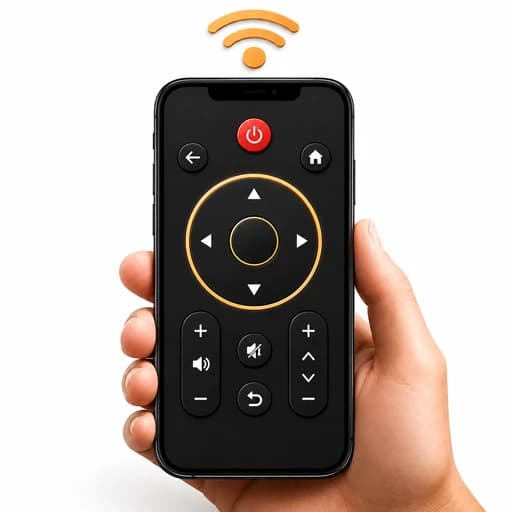
Universal TV Remote is a TV remote control app developed by FAZ Australia. Connect to your compatible smart TV over Wi-Fi in seconds and control volume, channels, power, menus and playback from your phone.
Navigate with a smooth touchpad or a classic directional pad, type searches with the keyboard, open your favourite streaming apps with one-tap shortcuts, and cast photos and videos to the big screen.
It supports many leading TV brands and platforms, including Samsung, LG, Sony and Roku. On Android phones with a built-in IR blaster, it can also control older TVs with an infrared receiver.
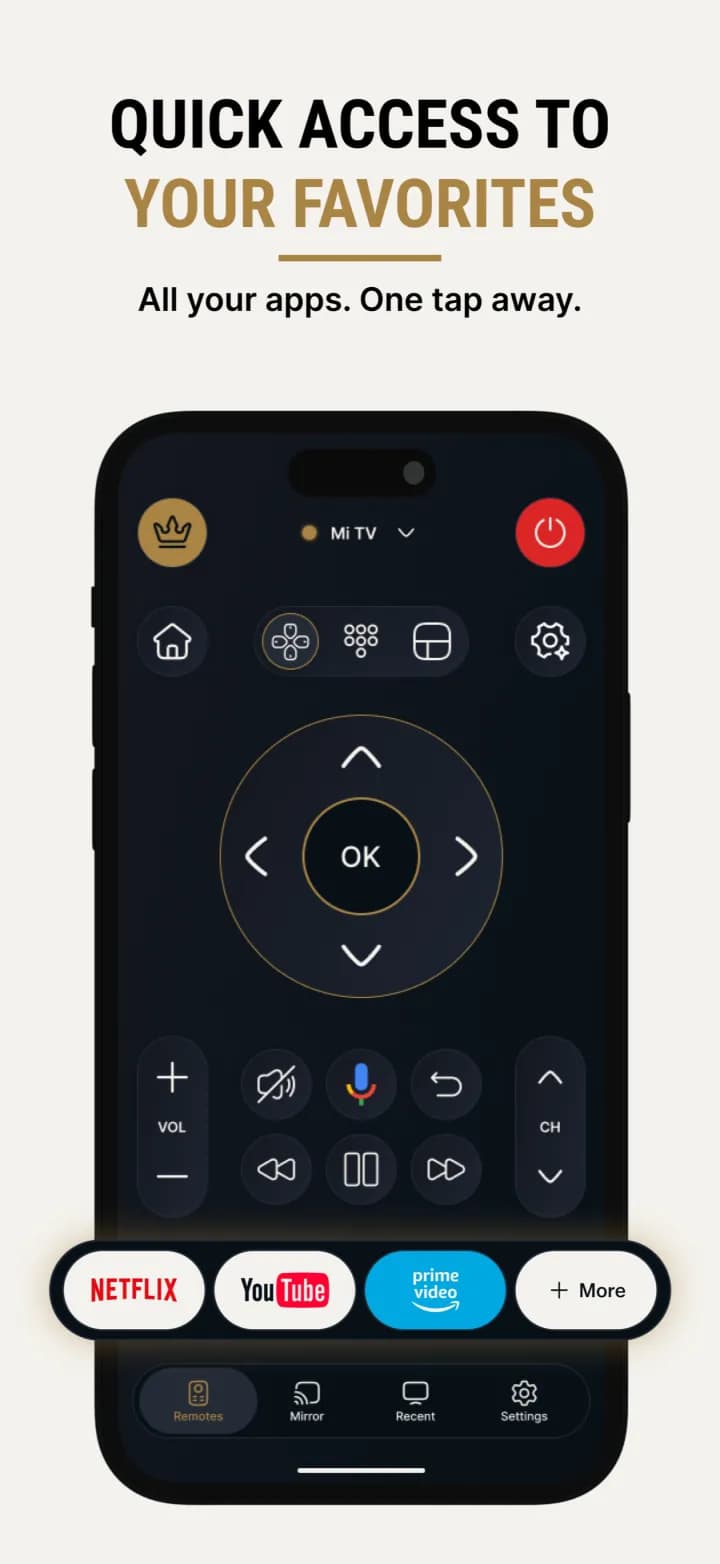
See Universal TV Remote for All TV in Action
One Remote for Every Screen in the House
Lost remotes, flat batteries and a coffee table covered in clickers. Every household knows the struggle.
Universal TV Remote puts complete TV control on the phone that's already in your hand. Find your TV on your Wi-Fi network, pair it once with a code, and you're ready to go.
Pair once · Control instantly
Everything You Expect from a Remote, and More
Full TV Control
Adjust volume, change channels, turn your TV on or off, navigate menus and control playback.
Connect in Seconds
Discover compatible TVs on your Wi-Fi network and pair with the code shown on your TV screen.
Touchpad Navigation
Swipe and scroll through menus and apps with a smooth, laptop-style touchpad.
Directional Pad
Prefer traditional controls? Switch to the familiar directional pad and OK button.
Keyboard and Voice Search
Type titles and searches with your phone's keyboard, or search, switch and control with your voice.
Streaming App Shortcuts
Create personalised shortcuts to your favourite streaming and entertainment apps and organise them your way.
Cast to Your TV
Send compatible photos and videos from your phone to your TV and enjoy them on the big screen.
Works with Leading Brands
Supports many leading brands and platforms, including Samsung, LG, Sony and Roku. On Android, an IR blaster lets you control older TVs too.
Your Language
Choose your preferred language. The iPhone app is available in 29 languages.
Ready to try Universal TV Remote for All TV? It’s free to download.
Pair Once, Control Instantly
Make sure your phone and TV are on the same Wi-Fi network, then follow four quick steps.
- Find your TV
- Enter the code
- Take control
- Cast and enjoy
Why Choose Universal TV Remote?
- Never lose the remoteYour phone is always within reach.
- No batteriesForget hunting for AAAs ever again.
- Many brandsWorks with many compatible smart TVs and platforms.
- Faster browsingTouchpad, keyboard and voice search.
- Free core remoteEveryday TV control is free, with an optional subscription for extras.
- Help when you need itIn-app FAQ with direct support available.
Important: Universal TV Remote is not affiliated with or endorsed by any television manufacturer. Brand names are used only to identify compatibility.

Download Universal TV Remote for iPhone and Android
Your phone is already in your hand. Now it can be your TV remote too. Download Universal TV Remote, developed by FAZ Australia, and take control of your TV in seconds.
Frequently Asked Questions
Which TVs does Universal TV Remote work with?
It works with many compatible smart TVs and platforms, including Samsung, LG, Sony and Roku. On Android phones with a built-in IR blaster, it can also control older TVs that have an infrared receiver.
Do my phone and TV need to be on the same Wi-Fi?
Yes. For smart TV features, connect your phone and TV to the same Wi-Fi network.
How do I connect to my TV?
Open the app and let it scan your Wi-Fi network, select your TV, then enter the pairing code shown on your TV screen.
Can I type on my TV with my phone?
Yes. Use your phone's keyboard to enter titles and searches, or use voice search.
Can I cast photos and videos to my TV?
Yes. Send compatible photos and videos from your phone to your TV to enjoy them on the big screen.
Is Universal TV Remote free?
Everyday remote control, including channel changes and menu navigation, is free. An optional subscription adds an ad-free experience, unlimited shortcuts and priority support.
Is it affiliated with Samsung, LG, Sony or Roku?
No. Universal TV Remote is not affiliated with or endorsed by any television manufacturer. Brand names are used only to identify compatibility.
Is Universal TV Remote available on iPhone and Android?
Yes. It is available on the Apple App Store for iPhone and on Google Play for Android.
Who developed Universal TV Remote?
Universal TV Remote is developed by FAZ Australia, an Australian digital product company building mobile applications and digital solutions.
About FAZ Australia
FAZ Australia develops digital products and mobile applications designed to solve everyday problems through practical, user-focused technology. Universal TV Remote, designed in Australia for households around the world, turns the phone in your hand into a smart TV remote.